
Egypt eSIM Review: What Worked, What Didn’t, and What to Expect in the Desert
I turned on my Holafly eSIM the moment we landed in Egypt, right there at the airport, and it connected right away. No SIM kiosk line, no hunting for airport WiFi.
But Egypt isn’t Washington, D.C., and I’d be doing you a disservice if I stopped there. It worked, just not everywhere, and out in the desert it was mostly 3G. Here’s the honest version of how it went, so you know what to expect.
Affiliate disclosure: This post contains affiliate links. If you book or buy something through these links, I may earn a small commission at no extra cost to you. I only recommend things I genuinely use or believe in. Learn more.
Table of Contents
Lili’s pick for staying connected in Egypt
The eSIM I used: Holafly. This is the one I’d get for Egypt. It worked the moment we landed, and below I’ll show you exactly where it did and didn’t reach.
Use code MILESANDFLAVORS for 5% off a travel eSIM, or 10% off your first 12 months on a Holafly Plan. It’s a reusable code, so save it for your next trip too.
The Short Answer: Does a Holafly eSIM Work in Egypt?
Yes, with one big asterisk. It worked when I activated it at the airport, and it kept working wherever there was normal mobile coverage. In the desert, though, it was mostly 3G, and not every spot had a signal at all.
At the hotel I mostly used the WiFi instead, so the eSIM wasn’t doing much of the work there.
None of that is really a Holafly problem. It’s how mobile coverage works in remote parts of Egypt, and Holafly says as much on its own Egypt page.
How I Activated It at the Airport
Activating it took about a minute. Here’s what I did once we landed:
- Turned off airplane mode.
- Went into my phone’s mobile data settings and selected the Holafly eSIM as my data line.
- Turned data roaming on for the eSIM. This step matters: the eSIM only starts working once data roaming is switched on for that line specifically, not just when you turn off airplane mode.
If you want the full step-by-step for installing it before you travel, I wrote it all out in my guide to staying connected anywhere in the world.
Keep your regular SIM in the phone, too. It still handles calls and texts on your normal number while the eSIM handles data.
Where It Worked
It connected right at the airport, which was the moment I needed it most. No kiosk, no queue, no hunting for WiFi.
Wherever there was normal mobile coverage, it simply behaved like normal data. For me, that was the real value: the first hour in a new country is when you most need a working phone, and having it sorted at the airport was worth it on its own.
Where It Didn’t: The Desert
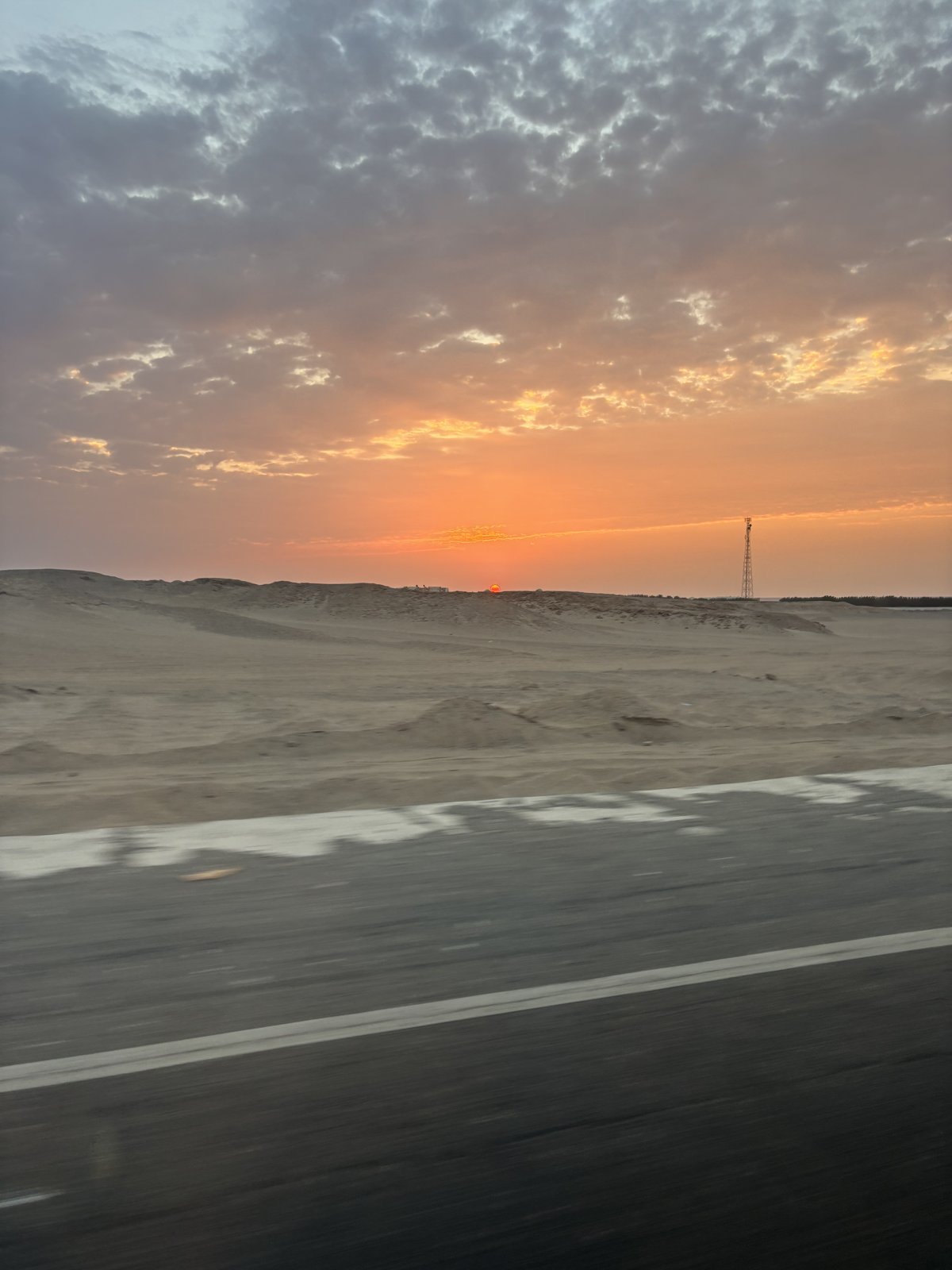
Egypt has a lot of empty space, and mobile coverage thins out fast once you leave the towns and resorts. On the desert stretches, the signal I got was mostly 3G, and not every spot had a signal at all.
3G is slow. It’s fine for a message or a quick look at a map, but I wouldn’t count on streaming, uploading photos or video calls out there.
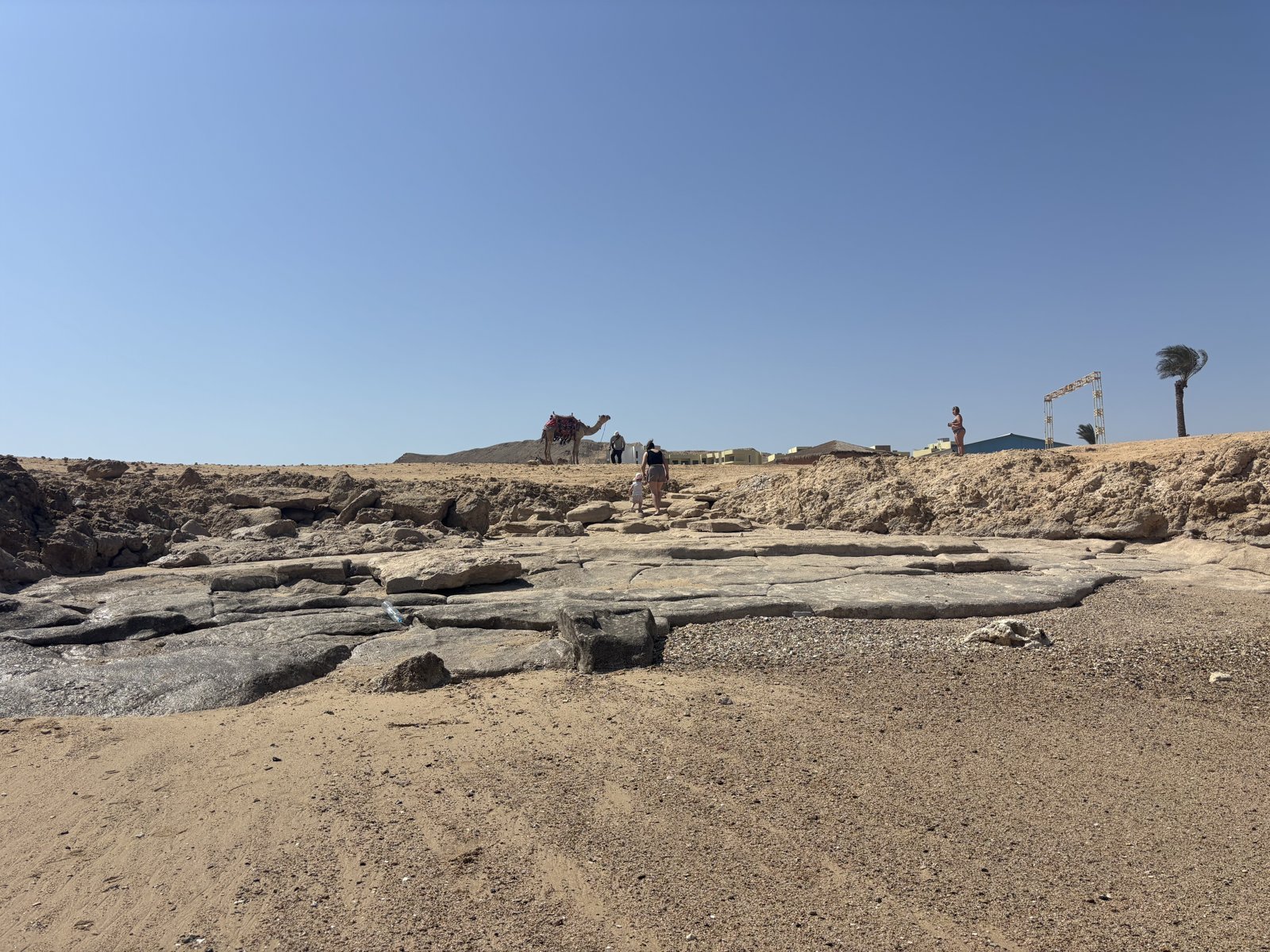
Holafly’s Egypt plan runs on the Orange network (MobiNil), and its own Egypt page warns that coverage can be weaker on desert, mountain and remote roads. That matches what I saw.
A different SIM might use a different network with different coverage, and I can only tell you what happened with mine. I wouldn’t trust any option, eSIM or otherwise, to give you full coverage in the middle of the desert.
At the Hotel, I Used the WiFi
Inside the hotel grounds, I mostly just used the hotel WiFi. It was easy, and it meant the eSIM could sit in the background.
That’s the combination I’d suggest: use good WiFi when you have it, and let the eSIM cover everything else. The airport, the roads and the days you’re out of the hotel are where it earns its place.
Holafly vs. Roaming vs. an Airport SIM Kiosk in Egypt
| Holafly eSIM | Home carrier roaming | Airport SIM kiosk | |
|---|---|---|---|
| Set up before you fly | Yes | Yes (often just a toggle you forget to turn off) | No, only after landing |
| Working the moment you land | Yes, it worked for me at the airport | Yes | No, you have to find the kiosk first |
| Keeps your real phone number active | Yes | Yes | Only if you keep your original SIM in a second slot |
| Cost | Fixed price, known before you leave | Often the least predictable: per-day or per-MB fees | Varies by vendor |
| Desert coverage | Mostly 3G for me, patchy in places | Depends on the partner network | Depends on the carrier you choose |
What I’d Do Before Any Desert Excursion
Coverage is the one thing you can’t buy your way around, so a little preparation makes a big difference:
- Download offline maps of the area while you still have WiFi.
- Save everything you might need on your phone: booking confirmations, addresses and your guide’s phone number, so you can see them without a signal.
- Tell family or friends back home that you may be out of reach for a few hours.
- Save the heavy stuff for WiFi: video calls, big uploads and photo backups.
- Keep the eSIM installed. According to Holafly, each plan includes 1 GB of free “Always On” backup data every month for as long as the eSIM stays installed, which is a nice safety net.
Unlimited Data: What It Does and Doesn’t Mean
Holafly sells its Egypt plan as unlimited data for your whole trip, subject to a fair usage policy. That’s a real advantage, because you never have to watch a data counter or top up halfway through a week.
What unlimited data doesn’t change is the speed. If the local network only gives you 3G, you get 3G, no matter how much data you’re allowed.
How Much It Costs (and the Code I Use)
Holafly’s pricing is simple: you pick your destination and how many days of data you need, and you see the price up front. You can check current Egypt plans and pricing here.
Use the code MILESANDFLAVORS at checkout for 5% off a travel eSIM, or 10% off your first 12 months if you go with a Holafly Plan instead. It’s not a one-time code, so keep it saved for your next trip.
Who I’d Recommend It To
I’d get it again for Egypt, for the airport moment alone and for everyday coverage. If you’ll mostly be in a resort and on the road, it’ll do the job.
If your plans include remote desert days, go in with realistic expectations and the offline prep above. And if you’ll spend the whole trip inside a hotel with decent WiFi, you might not need an eSIM at all.
Egypt eSIM FAQ
Does Holafly work in Egypt?
Yes. It worked for me as soon as I activated it at the airport. Coverage depends on the local network, so expect it to be weaker in remote desert areas.
Is there mobile signal in the Egyptian desert?
Not everywhere. When I was out in the desert, I mostly had 3G, and the signal came and went. Download offline maps and save your bookings before you leave WiFi.
Do I need an eSIM if my hotel has WiFi?
Hotel WiFi covers you at the hotel, but not at the airport, on the road or on excursions. For me, the eSIM was the part that worked from the moment we landed.
Final Thoughts
I’d rather tell you what actually happened than promise you perfect signal everywhere. The eSIM did exactly what I needed at the airport and wherever there was coverage, and the desert was the one place I had to plan around it.
Set it up, keep your expectations realistic outside the towns, and download your maps before you leave the WiFi. That’s all it takes to enjoy Egypt without worrying about your phone.
More Egypt Guides
If you’re heading to Marsa Alam, these guides cover the rest of the trip: